 Facundo Uferer
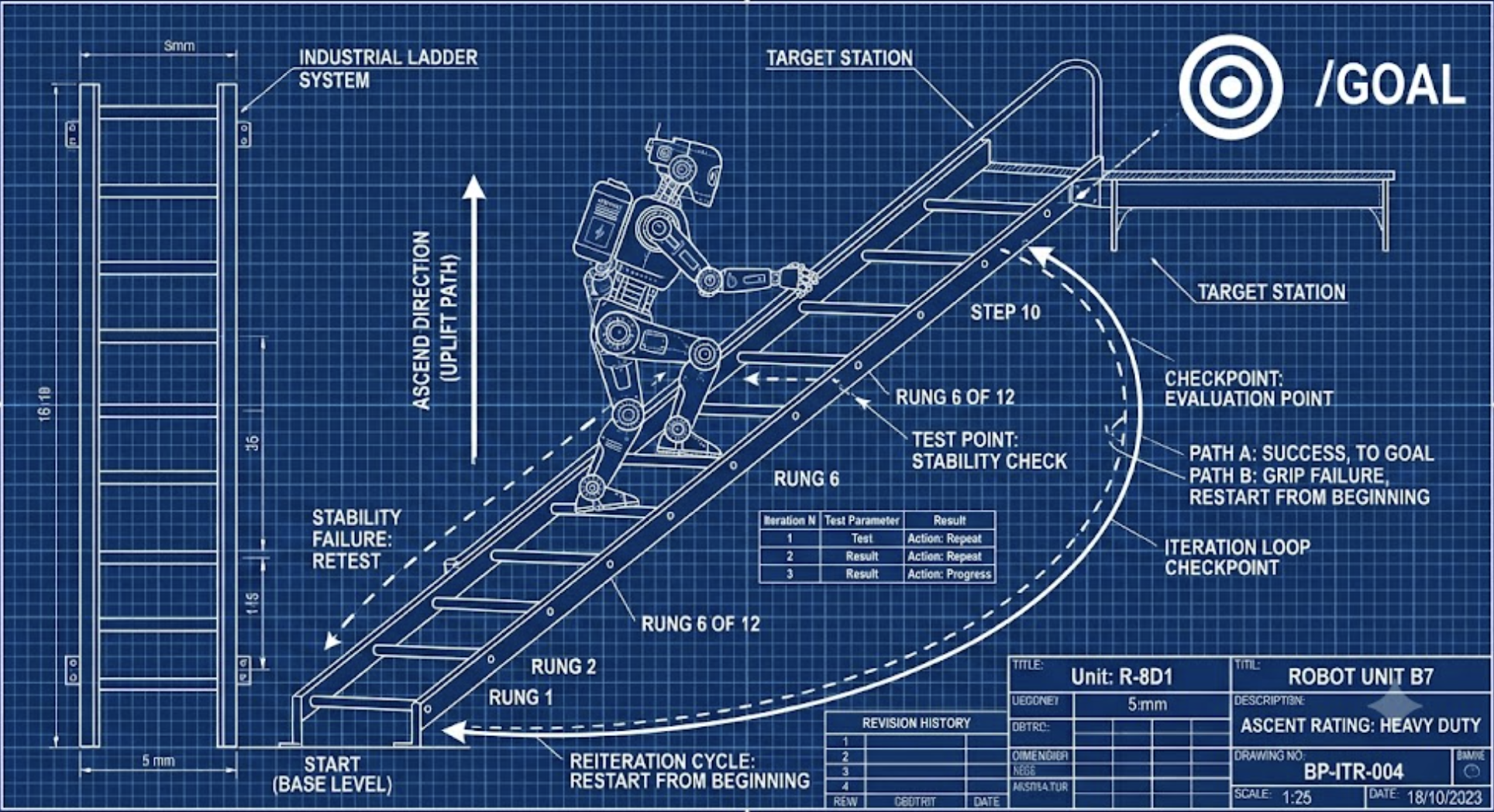
Codex’s /goal turns a conversation into a persistent execution contract. It is not the same as saying “do this and tell me what happened.” It is closer to saying: “pursue this result until there is reasonable evidence that it is done.”
OpenAI describes it as a way to give Codex a durable objective for long-running work, with a verifiable stopping condition. The basic operation is simple: set it with /goal <objective>, inspect it with /goal, and control it with /goal pause, /goal resume, or /goal clear.
The difference looks small, but in software engineering it is huge. A normal prompt asks Codex to do the next action. A goal tells it the final state it should pursue.
What it is actually for
The clearest use case appears when the path is not fully defined, but the finish line is.
For example:
- reducing p95 latency without breaking tests
- migrating an API while preserving compatibility
- chasing an intermittent bug
- refactoring in stages
- iterating on benchmarks
- investigating a problem until there is a verifiable artifact
The useful part —and the moderately civilized danger— is that Codex can enter a loop of planning, changing, testing, reviewing, and continuing without the human having to repeat every five minutes: “remember what matters.”
That does not mean magical autonomy. It means persistence with verifiable judgment. Less epic, more CI passing.
A goal is not a task
The basic syntax is:
/goal <objective description>A weak example would be:
/goal Improve the projectThat is not engineering. That is a prayer with a keyboard.
What does “improve” mean?
- faster
- more maintainable
- fewer bugs
- lower memory usage
- better UI
Nobody knows. And if nobody knows, Codex cannot verify it either.
A better objective would be:
/goal Reduce memory usage in the authentication service by at least 20% without changing the public API.Now three essential ingredients appear:
- expected outcome
- explicit constraints
- a way to validate success
That is the difference between throwing an intention into the air and writing an execution contract.
How to write good goals
A good /goal should answer four questions:
- What must be true at the end?
- How is it verified?
- What must not break?
- When should Codex stop?
For example:
/goal Reduce p95 latency for the /search endpoint below 200 ms, verified by the search benchmark, without changing the public API contract.That objective does not merely say “go faster.” It says which metric matters, how it is validated, and which boundary cannot be crossed.
OpenAI recommends this kind of structure for long-running work: measurable outcome, verification surface, constraints, boundaries, and blocked stop condition. Basically: do not give it a cloud of wishes; give it a map.
Tutorial 1: fixing a bug
Suppose there is an intermittent authentication bug.
You can define:
/goal Eliminate the timeout error in authentication while preserving current behavior and all existing tests.Then you can ask for partial tasks:
Investigate likely causes.Implement the safest fix.Run the relevant tests.Even as the instructions change, Codex keeps the original objective in view. That prevents every interaction from starting over or drifting toward the last detail mentioned.
Tutorial 2: a large refactor
Imagine a migration from JavaScript to TypeScript.
/goal Fully migrate the project to TypeScript while preserving functional compatibility and test coverage.Many different actions can follow:
Convert the users module.Fix typing errors.Update the compiler configuration.Remove unnecessary any types.All of those actions contribute to the same global objective. This is probably one of the strongest uses of /goal: coordinating incremental work without losing the main intent.
Tutorial 3: performance optimization
Another classic example:
/goal Reduce p95 latency for the /search endpoint below 200 ms.Then:
Analyze the bottlenecks.Propose several strategies.Implement the most effective one.Run benchmarks.Here Codex can iterate several times without losing sight of the target metric. And that matters, because in performance work the first attempt is rarely the final one.
Inspect, pause, and clear
To view the active goal:
/goalTo pause it temporarily:
/goal pauseTo resume it:
/goal resumeTo remove it:
/goal clearThis matters when you want to work on something else temporarily without letting the main objective contaminate every later decision.
When to use it
/goal works especially well for:
- large refactors
- technology migrations
- performance optimization
- complex bug fixing
- prototype development
- long automation tasks
- technical research with concrete deliverables
The common pattern is always the same: long-running work, a clear result, and possible validation.
When not to use it
It does not add much value for simple tasks:
Explain this regular expression.Generate a Python function.Summarize this file.In those cases, the work ends in one interaction. You do not need a persistent objective to cross a two-meter street.
It is also a bad idea to use /goal when the objective is vague. “Improve the project” or “refactor this” may sound productive, but they do not define what done means.
The role shift
For Codex users, /goal changes the relationship with the tool. Codex stops being only a short-answer copilot and moves closer to a long-running work agent.
That does not remove human supervision. It moves it.
The human is still responsible for:
- defining what “done” means
- reviewing diffs
- validating tests
- deciding when to pause
- recognizing when the goal itself was badly written
In other words, the programmer does not disappear: they are promoted, with questionable glamour, to contract writer for a very obedient and occasionally overenthusiastic machine.
One important detail: surfaces may vary
It is also worth remembering that Codex surfaces may differ. The official documentation describes /goal as part of the CLI command set and as a use case for durable objectives. At the same time, users have reported differences between the CLI and the macOS app, especially around visibility, support, and goal controls.
The practical conclusion is simple: if /goal does not appear, do not assume you are losing your mind. Check the version, the surface you are using, and whether the feature is enabled.
The central idea
In practice, /goal represents an important shift in how Codex is used. The user stops describing every step and starts defining the desired outcome.
Codex still needs supervision, validation, and human review. But it no longer works only from the latest message. It works from a persistent intention.
And in software engineering, remembering the original objective is often harder than writing the code.
That is where /goal becomes genuinely useful.
Sources: