 Facundo Uferer
Note
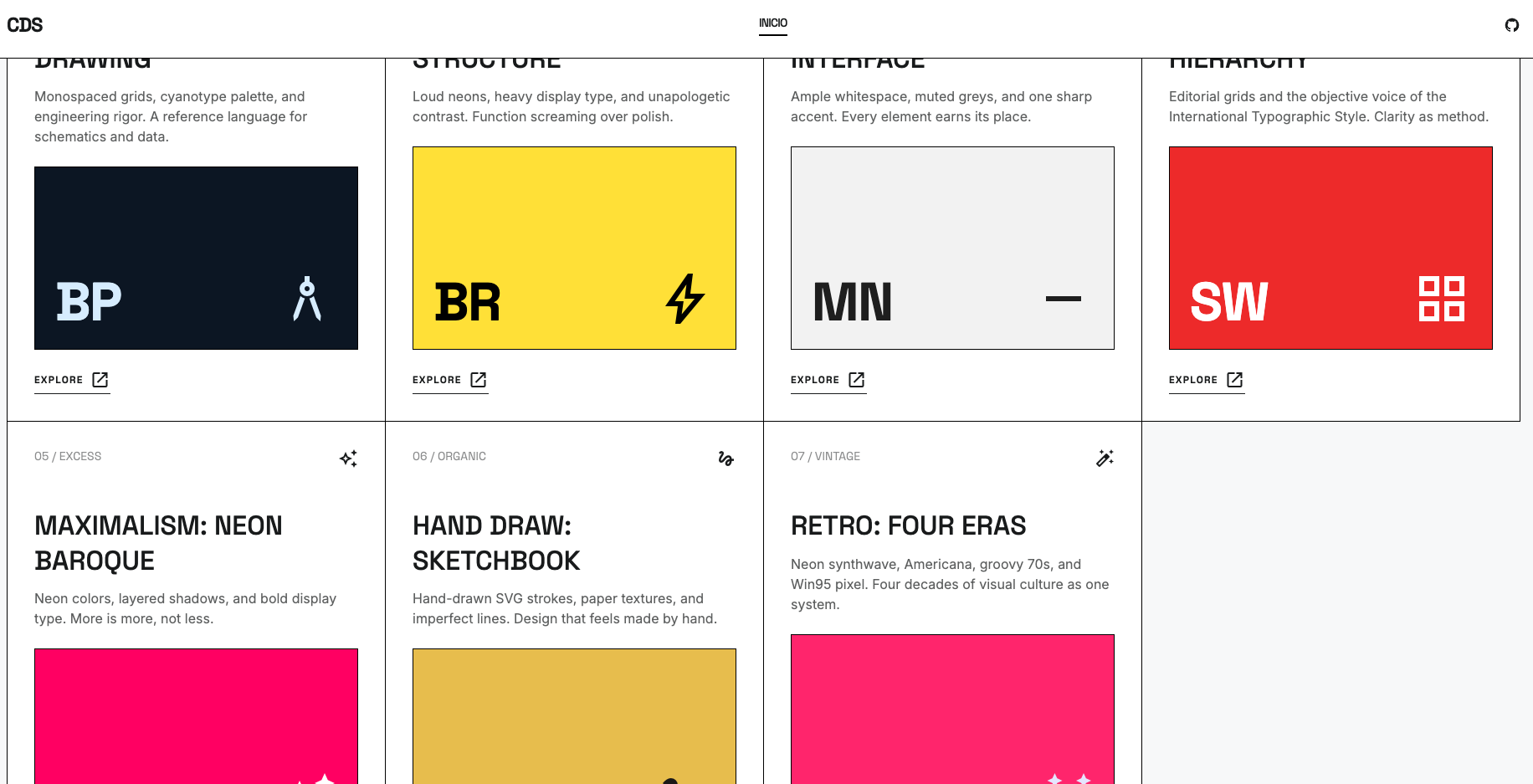
In my design systems compilation, I gathered visual references I liked and turned them into small navigable systems: colors, typography, components, layouts, and that healthy illusion that chaos can be documented. The central tool was Claude Design, Anthropic’s new experimental product for creating designs, prototypes, slides, and visual pieces by talking with Claude. According to Anthropic, it can generate a first version from a prompt, iterate through comments, edit elements, and export to PDF, PPTX, Canva, or HTML. It can also build a design system by reading files, code, or team references.
The ideal flow is simple: give it visual context, explain what you want to build, review the canvas, ask for variants, and correct with precision. It is not a good idea to ask for “something pretty,” because that is when the AI goes into startup-poster mode fueled by anxiety. It works much better with concrete instructions: audience, layout, tone, components, constraints, and examples.
The problem is cost. Claude Design is available on Pro, Max, Team, and Enterprise plans, but it uses your subscription limits. On the 20-dollar plan, when working with design, images, iterations, and prototypes, tokens disappear quickly; Anthropic even offers paid “extra usage” once those limits are exceeded.
How to do it when you are broke
That is why my practical recommendation is to split the process: first create a solid base design in Figma or Google Stitch, which generates web and mobile interfaces from natural language and is built for fast UI ideation. Then, once that visual direction is already defined, use a cheaper AI —for example, Minimax— to document tokens, components, rules, states, and usage examples. Claude Design shines, yes, but it is better used like a scalpel, not an excavator.