 Facundo Uferer
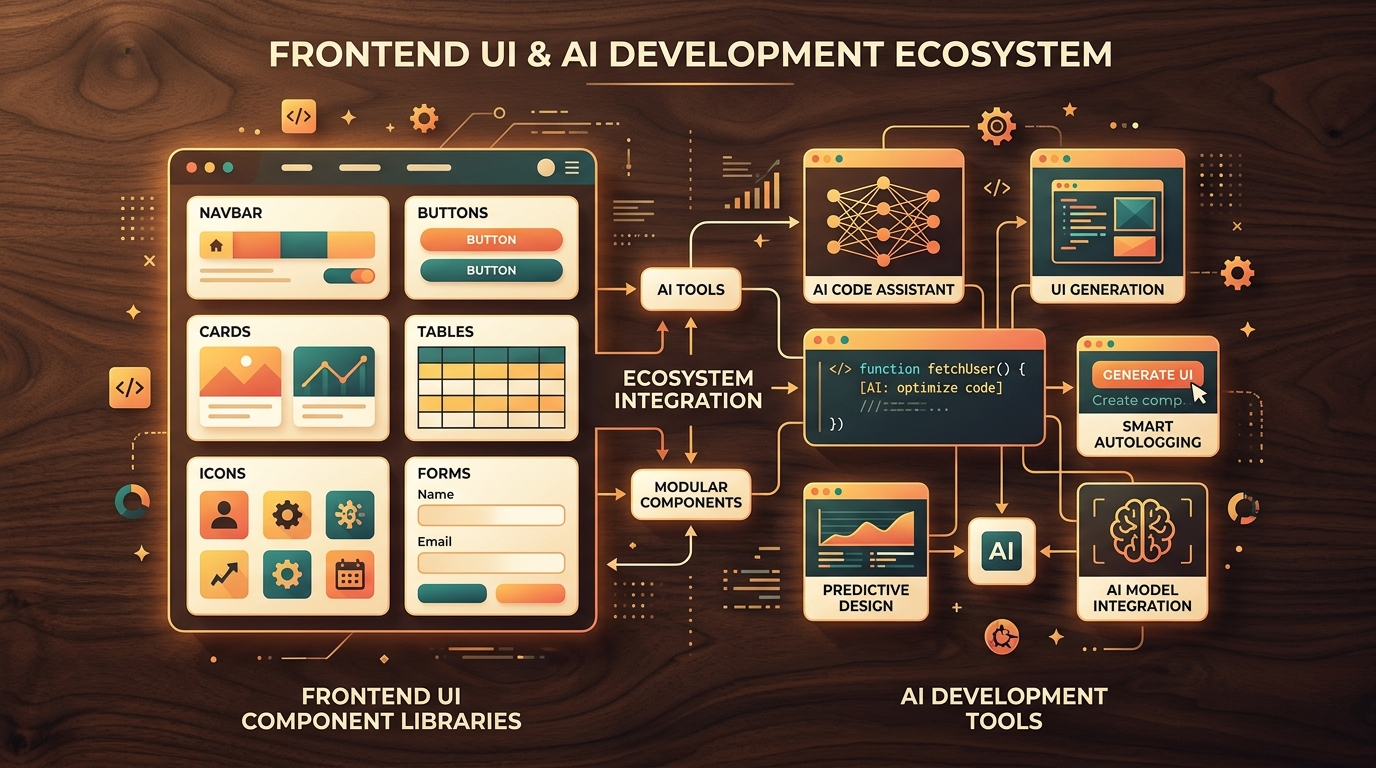
When coding with AI assistance — whether asking an assistant to generate a screen, a form, or a dashboard — the bottleneck is rarely backend logic; it is almost always frontend execution. You need components that look refined, maintain accessibility, and don’t cost an afternoon of tedious CSS tweaking. That is where UI component libraries come in: they provide both you and the AI with battle-tested building blocks — buttons, modals, data tables, and accessible primitives — so you can build quickly instead of reinventing every single interface element.
Here is a curated selection of 10 free, open-source tools ordered by practical importance, covering what each resolves and how it fits into an AI-assisted workflow.
1. shadcn/ui
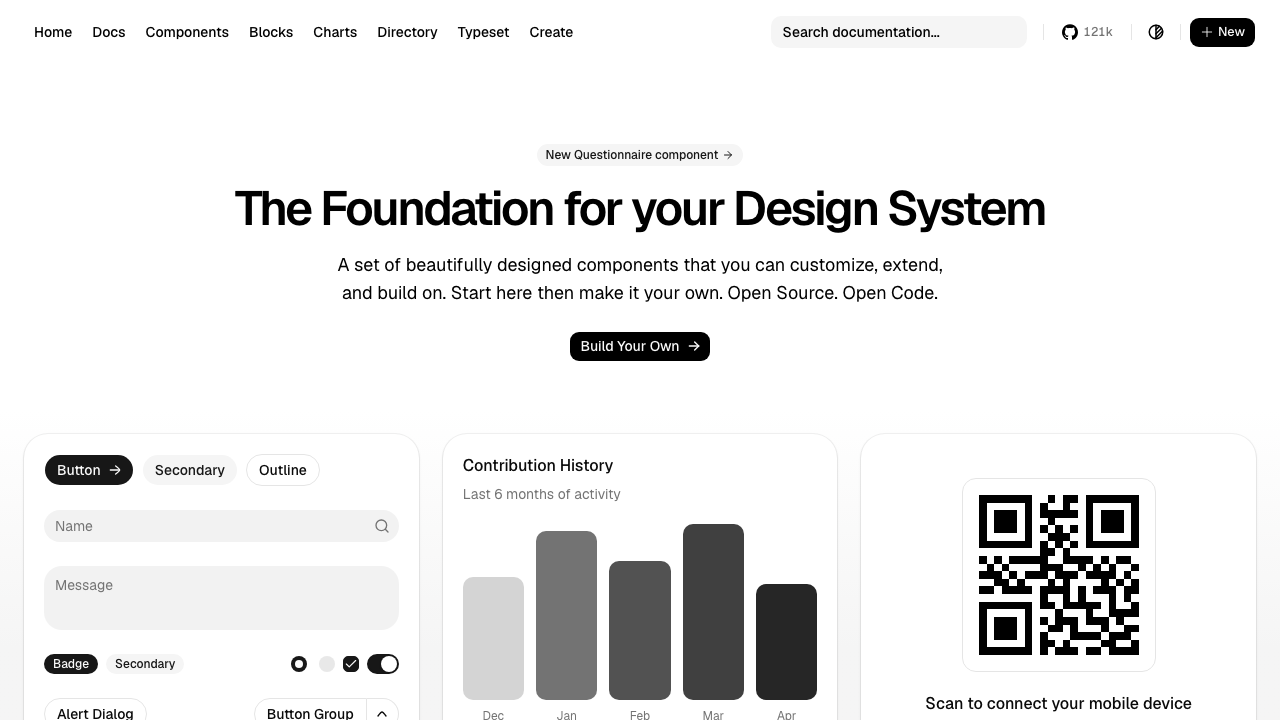
What it is: Not a traditional component library, but a code component generator. Instead of installing a heavy npm package, you copy component source code (buttons, modals, dropdowns) directly into your codebase, built on top of Radix UI and Tailwind CSS.
What it solves: Gives you accessible, beautiful defaults with 100% code ownership in your repository so you can customize everything without fighting closed APIs.
Why it matters in an AI workflow: It is the de facto standard recognized by modern AI coding assistants (Claude, v0, Lovable, Bolt) due to its clean, predictable structure. Asking an AI for a login form usually yields code designed for shadcn out of the box.
2. Radix UI
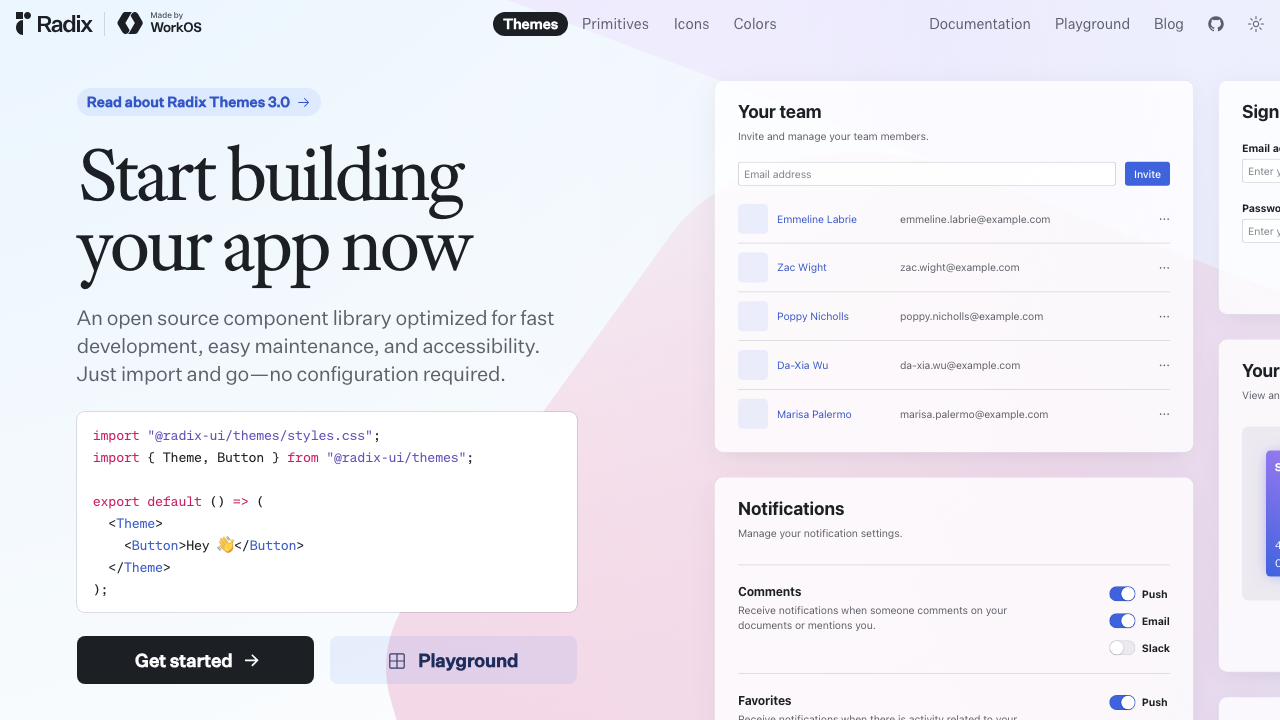
What it is: The headless accessible primitives layer underlying shadcn/ui. Unstyled by default: it handles keyboard navigation, focus management, ARIA roles, and accessibility behavior.
What it solves: Handles the trickiest accessibility requirements — trapping focus in modals, combobox keyboard interaction — without custom boilerplate.
Why it matters in an AI workflow: Asking AI for custom components built on Radix primitives ensures accessible markup instead of unaccessible <div> elements with onClick handlers. Note that development slowed post-WorkOS acquisition, prompting developers to also evaluate Base UI for new projects.
3. Base UI
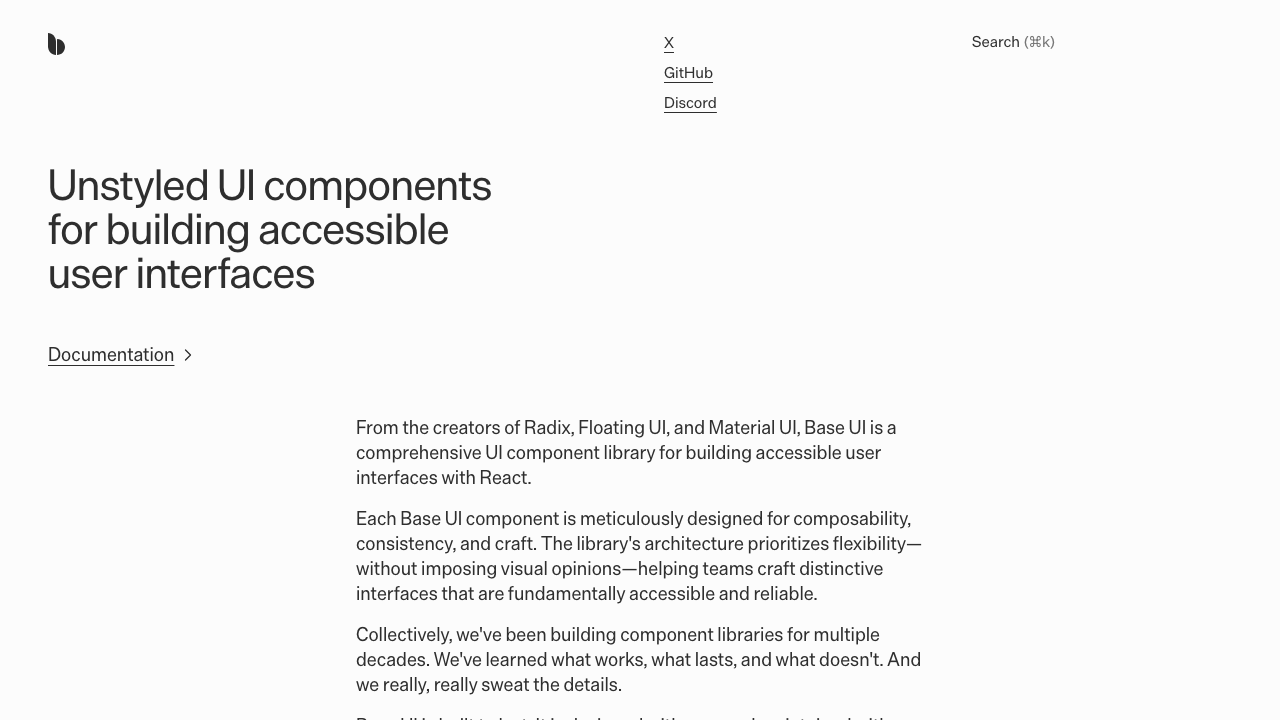
What it is: The new headless primitives library from the MUI team, designed as an actively maintained alternative to Radix UI.
What it solves: Solves the same core problem as Radix — accessibility and behavior without imposing visual styling — backed by active ongoing development.
Why it matters in an AI workflow: If you are building a custom design system and asking AI to generate components from primitives, Base UI offers a forward-looking foundation.
4. MUI (Material UI) Core
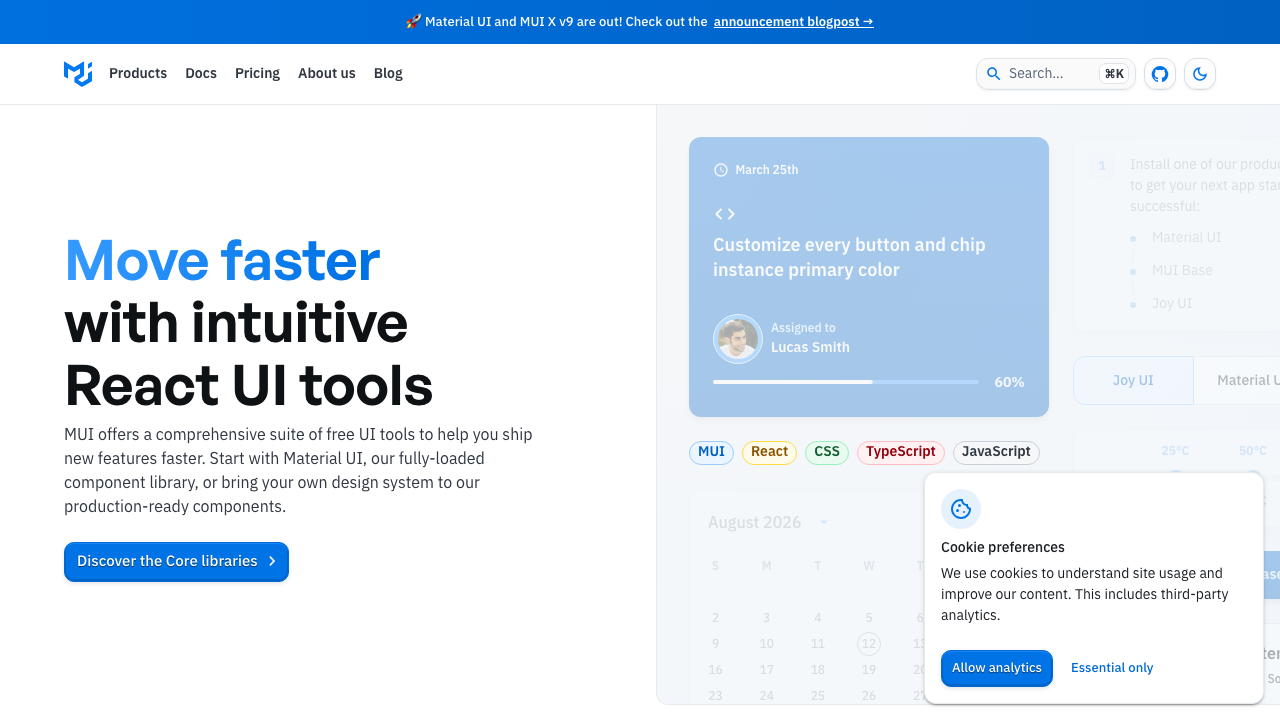
What it is: A comprehensive component library installed via npm that implements Material Design with its own theming engine.
What it solves: Saves weeks of work when complex components like data grids, date pickers, or autocompletes are needed out of the box.
Why it matters in an AI workflow: For enterprise apps or data-heavy dashboards, directing AI to use MUI speeds up prototyping significantly, though custom styling may be required to move away from default Material aesthetics.
5. Mantine
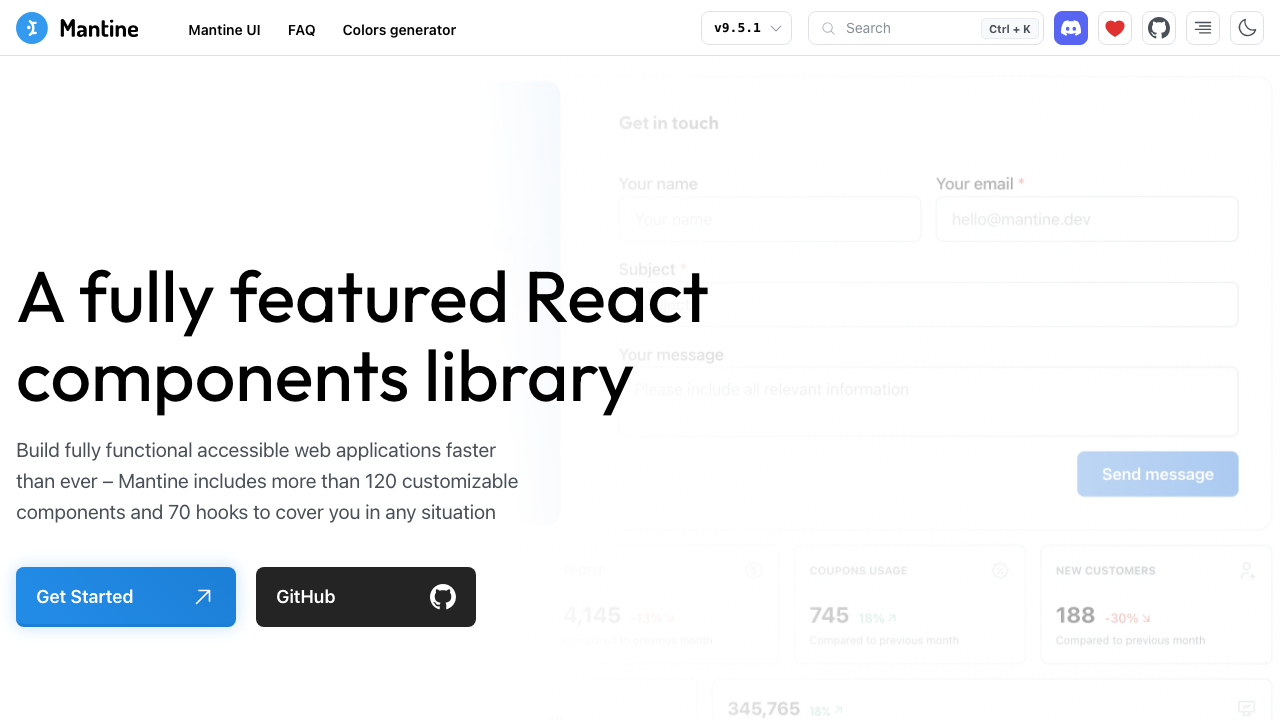
What it is: An all-in-one feature-rich library featuring over 100 components and 50 hooks under the MIT license.
What it solves: Combines visual components with essential state management and utility hooks (form handling, notifications, dates) in a single coherent ecosystem.
Why it matters in an AI workflow: With hooks included, AI assistants don’t need to pull three separate libraries when generating complex form and state logic.
6. Ant Design
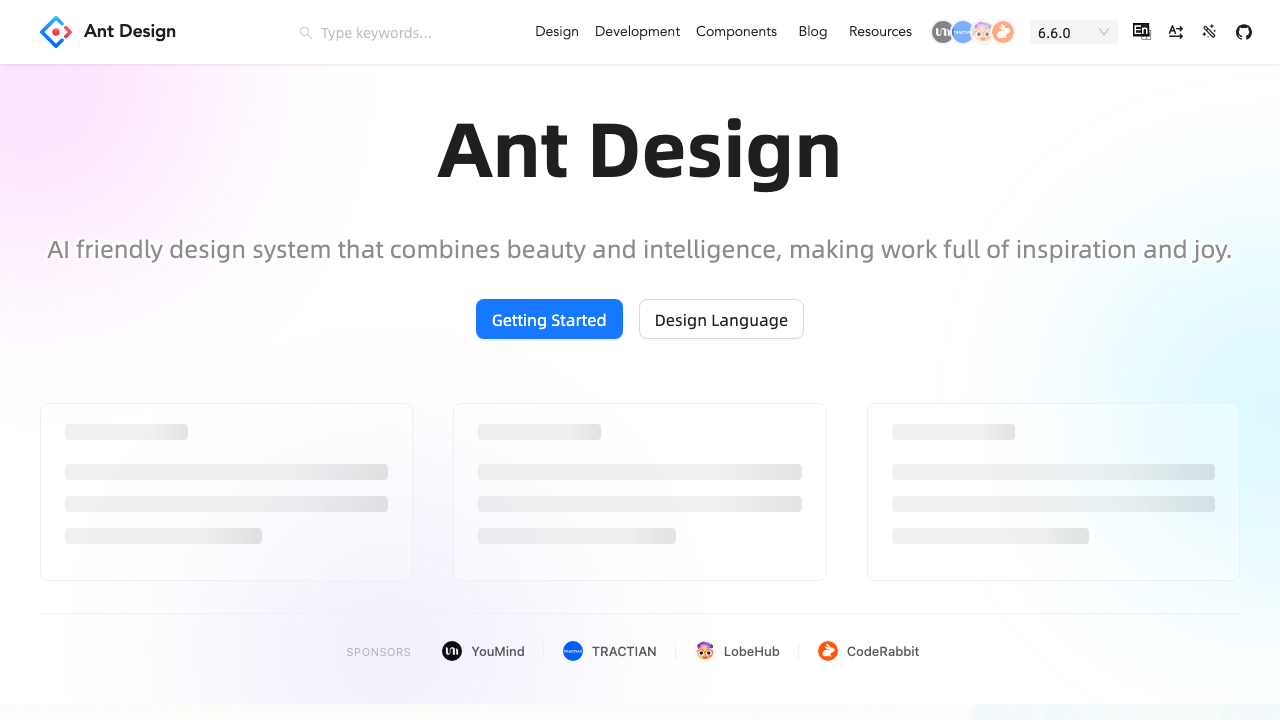
What it is: An enterprise-focused component library optimized for data-dense applications, internal tools, and administrative dashboards.
What it solves: Solves complex UI patterns out of the box: data tables with filtering and pagination, intricate form layouts, and administrative structures.
Why it matters in an AI workflow: Prompting AI for admin panels or CRUD dashboards with Ant Design yields production-ready layouts faster than building from scratch.
7. Chakra UI
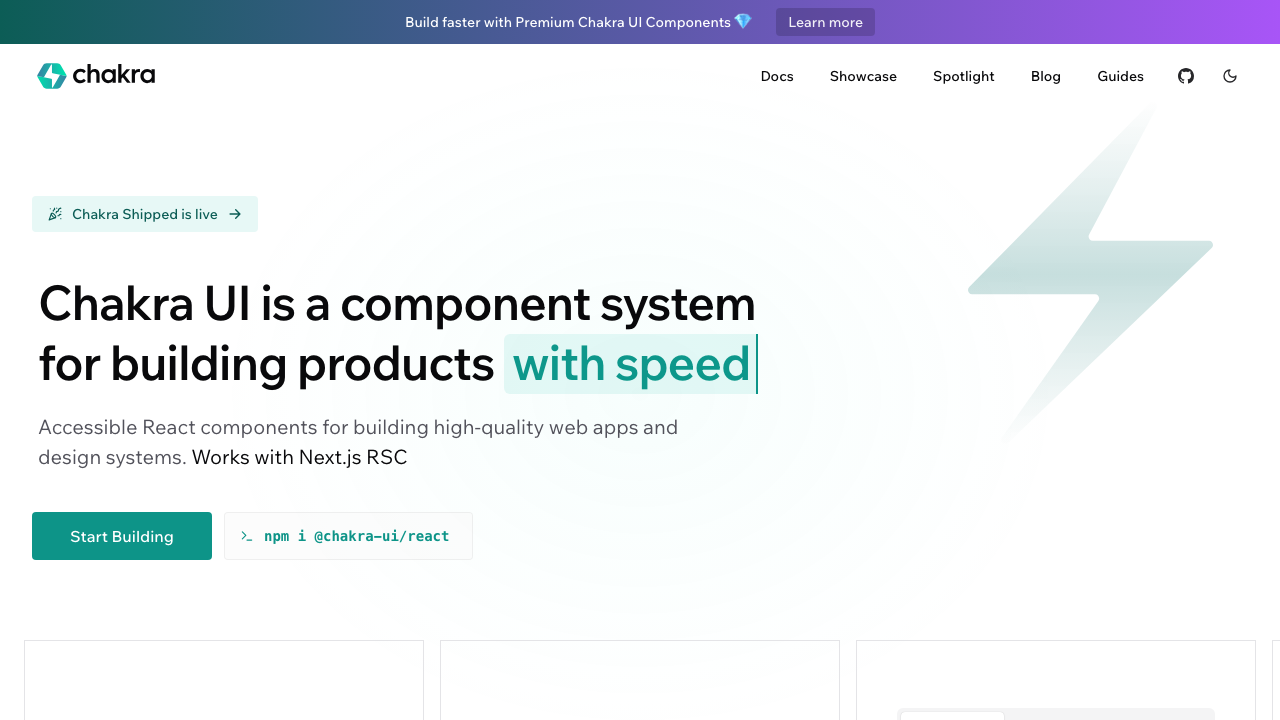
What it is: A component library prioritizing accessibility and developer ergonomics through a prop-based styling API.
What it solves: Delivers clean visual defaults without heavy custom CSS configuration.
Why it matters in an AI workflow: Its prop-based styling syntax (<Button colorScheme="blue">) is easy for LLMs to generate accurately, minimizing syntax errors.
8. Magic UI
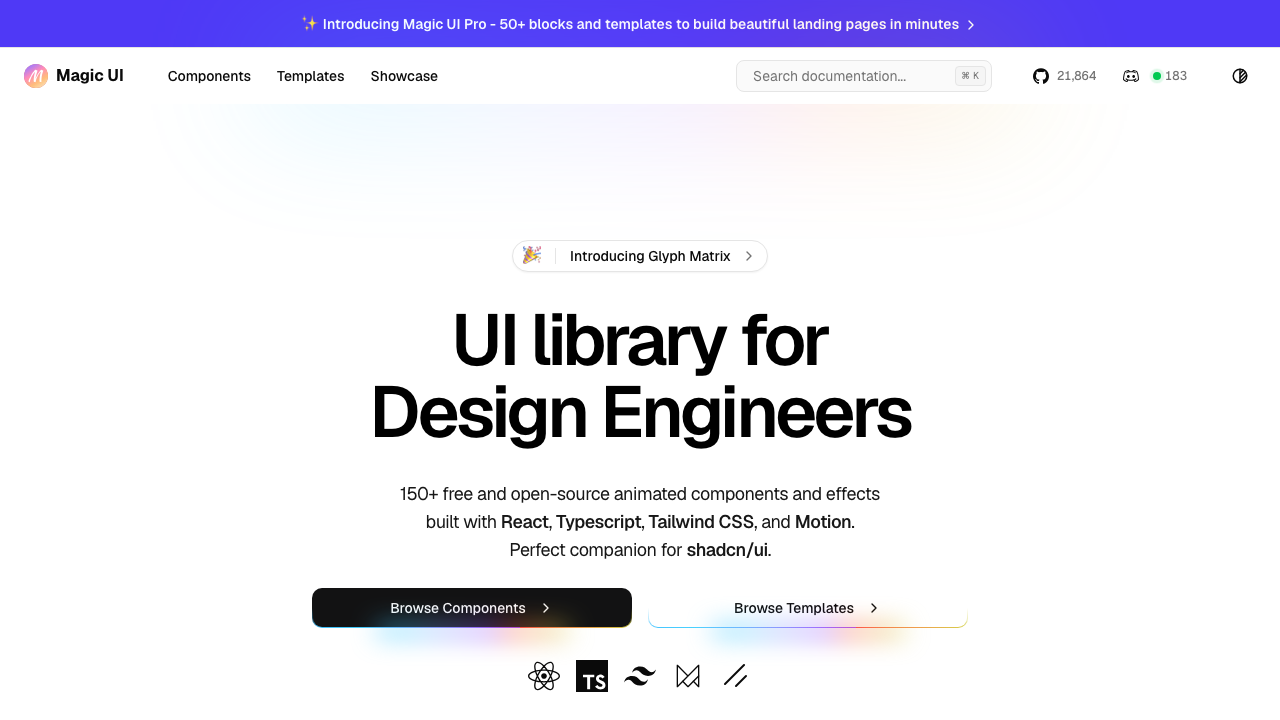
What it is: Over 150 animated components installable via the same CLI workflow as shadcn/ui.
What it solves: Adds motion design and micro-interactions that base shadcn doesn’t cover — animated typography, visual background effects, and fluid transitions.
Why it matters in an AI workflow: When landing pages need visual impact, pulling pre-built Magic UI components via AI is much faster than describing custom animations.
9. Aceternity UI
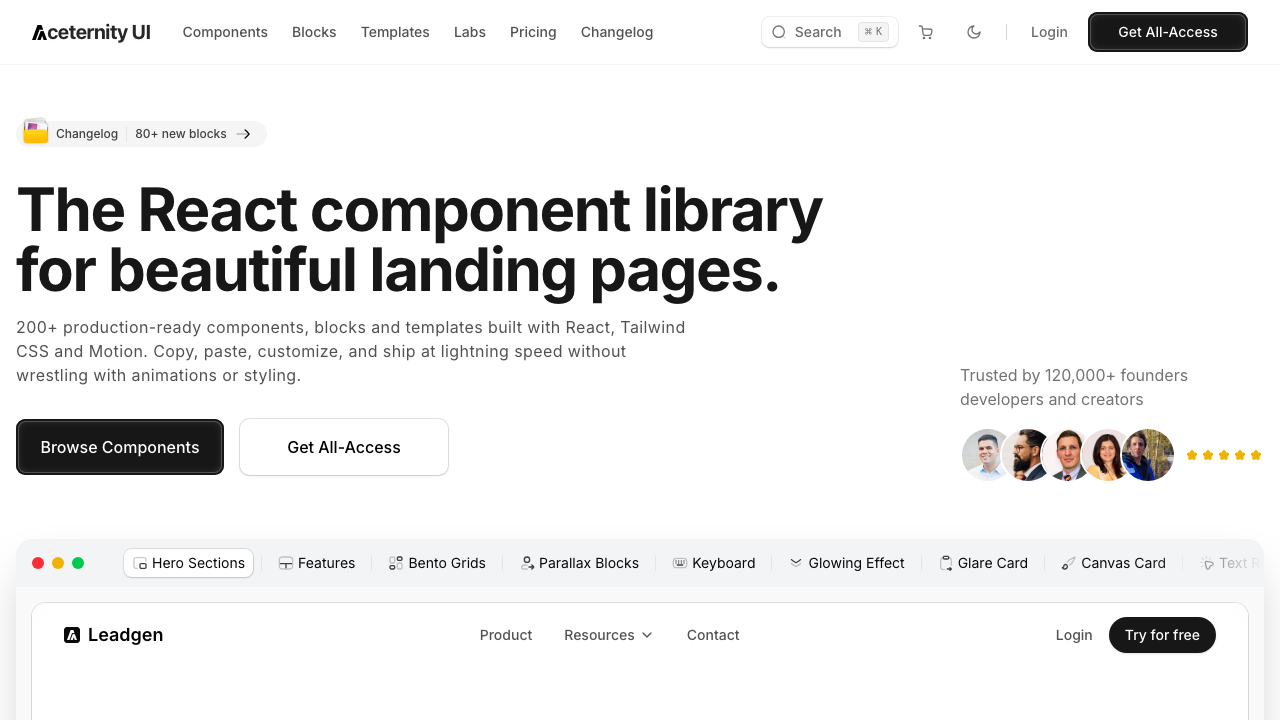
What it is: A UI library focused on high-impact visual effects for landing pages and product showcases.
What it solves: Provides complex visual effects — spotlight backgrounds, 3D card tilts, parallax scrolling — while maintaining aesthetic coherence.
Why it matters in an AI workflow: Useful as a benchmark when asking AI to generate hero sections with strong visual polish without writing manual WebGL/CSS shaders.
10. Kibo UI
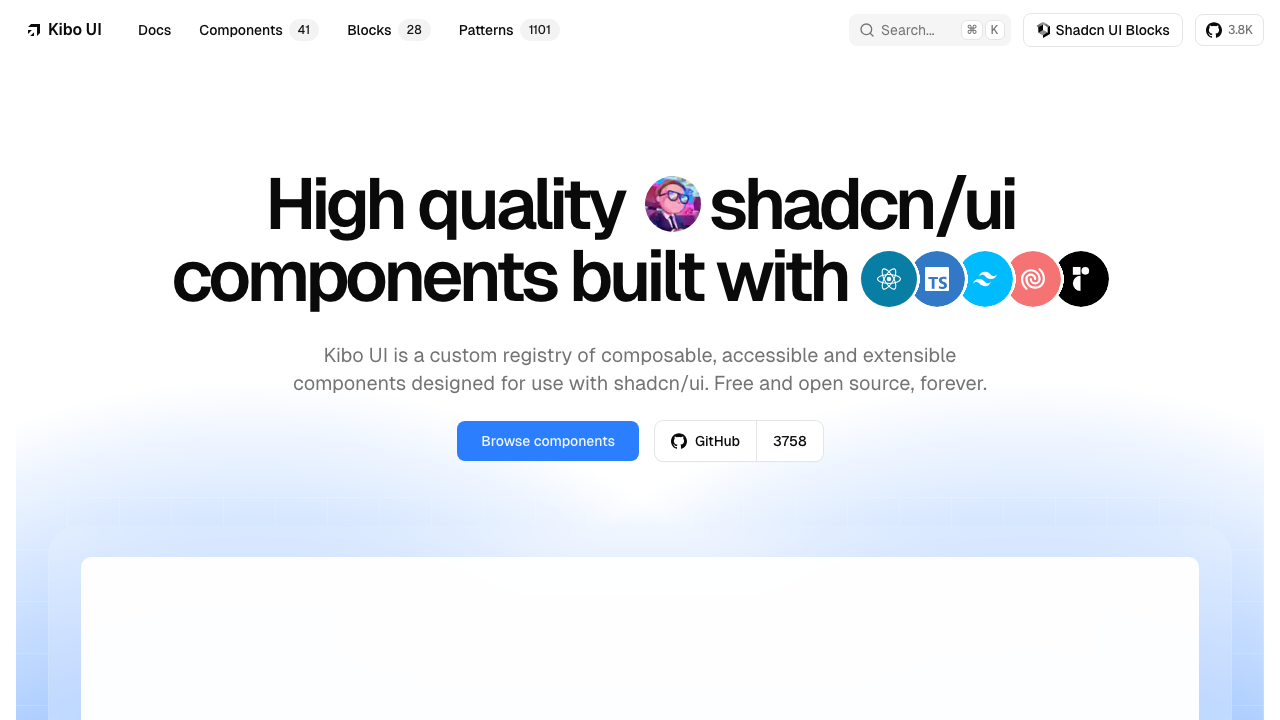
What it is: An open-source registry of advanced application components designed to integrate seamlessly with shadcn/ui.
What it solves: Offers specialized product components beyond standard libraries: Gantt charts, Kanban boards, color pickers, QR code generators, and syntax-highlighted code blocks.
Why it matters in an AI workflow: For specific feature requests like “add a Kanban board” or “build a Gantt timeline”, Kibo UI prevents the AI from inventing complex controls from scratch.
How to Structure Your AI Development Workflow
These tools do not conflict: they output source code directly into your repository. A practical architecture stack includes:
- Foundation: shadcn/ui + Radix (or Base UI) for core layout and controls.
- Complex Enterprise UI: MUI, Mantine, or Ant Design for data-dense dashboards.
- Visual Polish & Animation: Magic UI or Aceternity UI for landing pages and micro-interactions.
- Specialized Product Features: Kibo UI for timelines, Kanbans, and complex controls.
Explicitly specifying the component library when prompting AI assistants reduces generation errors, speeds up iteration, and results in production-ready frontend code.