 Facundo Uferer
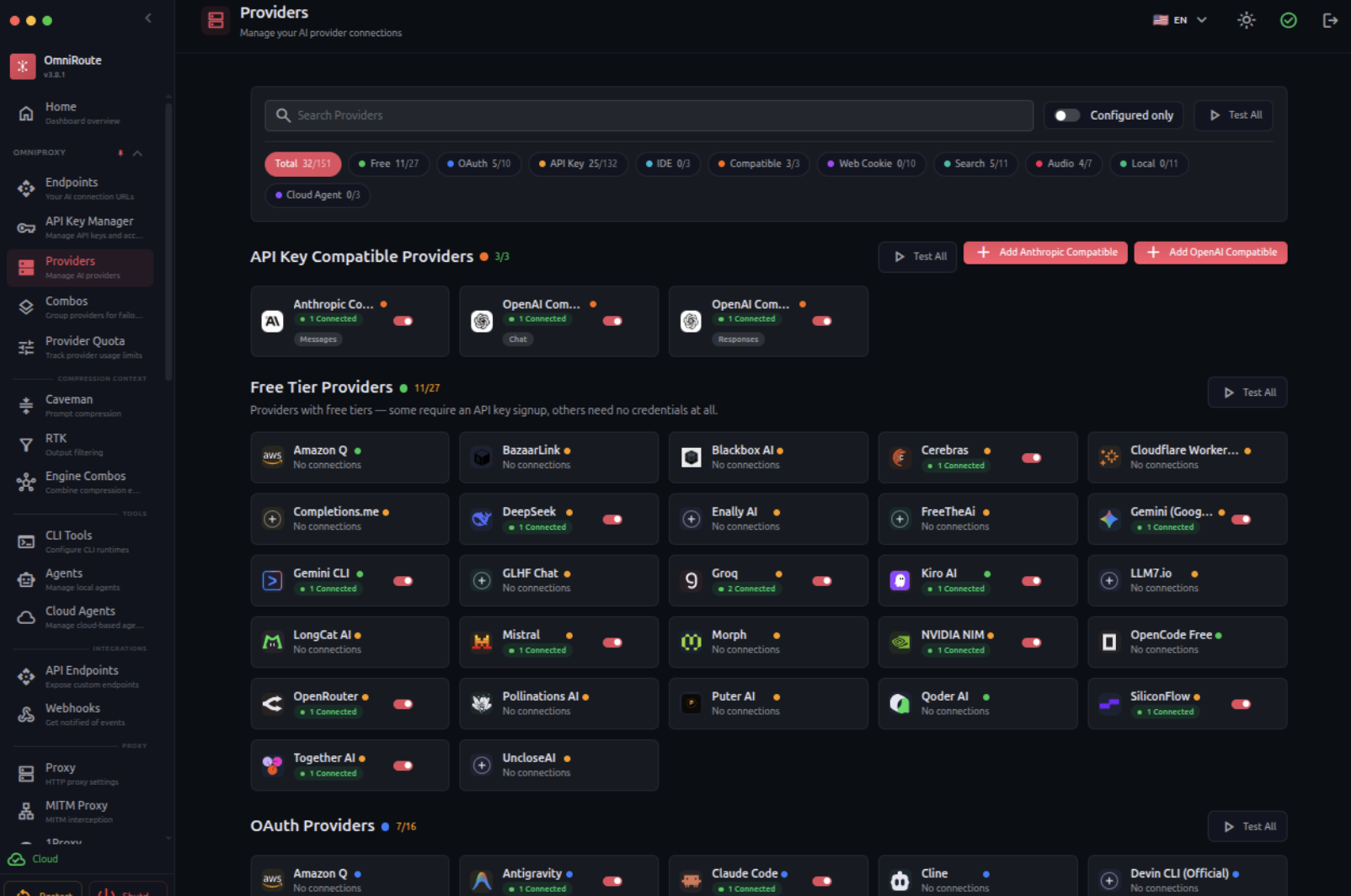
Using AI for programming usually starts simple: install Claude Code, Codex, or Cline and start shipping. Soon enough, you are juggling API keys, models, rate limits, free tiers, quotas, and fallback routes. Before you know it, you find yourself managing LLM infrastructure when all you originally wanted was to fix a React component.
OmniRoute addresses this exact friction. It is an open-source gateway under the MIT license that runs locally and places a unified layer between your development tools and AI providers. Claude Code, Codex, OpenCode, Cline, and other clients can point to the same local endpoint while OmniRoute handles routing behind the scenes. The project currently advertises support for 352 providers and over 1,200 models.
Smart Routing and Fallback Strategies
The standout feature is auto. Instead of hardcoding a specific model, you can let OmniRoute inspect available connections and choose the best route dynamically. Variants include auto/coding for programming workloads, auto/fast for minimal latency, auto/cheap to optimize token costs, and auto/offline to favor providers with remaining local or generous quotas.
If a provider fails or exhausts its quota, OmniRoute seamlessly switches to a fallback route. It offers 19 configurable strategies, spanning round-robin, cost optimization, context management, and caching. The project goes even further with an integrated dashboard, quota tracking, context compression, MCP, A2A protocols, remote execution, and observability tools. It is powerful, though when getting started, it is wise to ignore 80% of these knobs. There will be plenty of time later to turn your machine into a personal token exchange.
Quick Start Guide
You will need Node.js 22.22.2 or a compatible modern runtime. Install OmniRoute globally:
npm install -g omnirouteStart the gateway:
omnirouteThe web dashboard will be available at http://localhost:20128, and the OpenAI-compatible API endpoint will be exposed at:
http://localhost:20128/v1OmniRoute lets you test auto immediately, even before configuring external credentials. From the Providers section, you can connect whatever model providers you wish to use.
Connecting Your Developer Tooling
For OpenAI-compatible clients, configure the following settings:
- Base URL:
http://localhost:20128/v1 - Model:
auto
Your API key can be retrieved from Dashboard → Endpoints. To verify that everything works:
curl http://localhost:20128/v1/models -H "Authorization: Bearer YOUR_API_KEY"You can also visit http://localhost:20128/dashboard/cli-code, select Claude Code, Codex, OpenCode, or another supported CLI, and let OmniRoute generate or apply its configuration automatically.
Key configuration catch: Claude Code uses
http://localhost:20128as its base URL without/v1, whereas Codex and OpenAI-compatible clients require/v1. It is a tiny nuance, but exactly the kind capable of swallowing forty minutes of an afternoon.
OmniRoute shines brightest when you orchestrate multiple models or autonomous agents. Rather than coupling your daily workflow to a single provider, it transforms model selection into interchangeable infrastructure. The IDE or agent asks for intelligence; OmniRoute decides where to fetch it. That architectural separation is often far more valuable than saving a few tokens.