Facundo Uferer
After learning while, a very commonly used structure appears when repetition has a more compact and controlled form: for.
In this lesson you’ll learn:
- how
forworks - what parts it has
- how it relates to initial state, condition, and update
- when to use
for - how to use
breakandcontinueinside afor
What does for do?
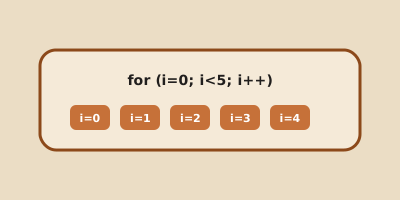
The for statement repeats a block of code and concentrates in a single line three very important elements of the loop:
- initialization
- condition
- update
Syntax
for (initialization; condition; update) {
    instructions;
}
Basic example
#include <stdio.h>

int main() {
    int i;

    for (i = 1; i <= 5; i = i + 1) {
        printf("%d\n", i);
    }

    return 0;
}
Reading the for correctly
Initialization
i = 1Executed once, at the beginning.
Condition
i <= 5Evaluated before each iteration.
Update
i = i + 1Executed at the end of each loop cycle.
When should you use for?
for is very useful when the repetition is associated with a counter or a fairly clear number of steps.
For example:
- displaying numbers from 1 to 10
- repeating an action 5 times
- traversing numbered positions
for and while: same idea, different form
A for and a while can often express the same logic.
The main difference is in how the reading is organized.
for is usually more comfortable when you want to see the initialization, condition, and update together.
Using break in for
for (i = 1; i <= 10; i = i + 1) {
    if (i == 6) {
        break;
    }
    printf("%d\n", i);
}
The loop is cut off when i is 6.
Using continue in for
for (i = 1; i <= 5; i = i + 1) {
    if (i == 3) {
        continue;
    }
    printf("%d\n", i);
}
When i is 3, that iteration jumps directly to the next step of the loop.
Frequent conceptual error
Many students believe for is “another type of magic” different from while.
No.
The deep idea is the same: repeating a block while a condition allows it.
What changes is the way the loop expression is organized.
Summary
fororganizes initialization, condition, and update in a single line- it’s very useful when working with a counter or a clear number of repetitions
breakcan cut the loopcontinuecan skip to the next iteration- conceptually,
forandwhileshare the same logic of controlled repetition
Final thought
If while teaches you the general logic of repetition, for teaches you to write it in a more compact and readable way when the loop structure is well defined.